 WhatStyle
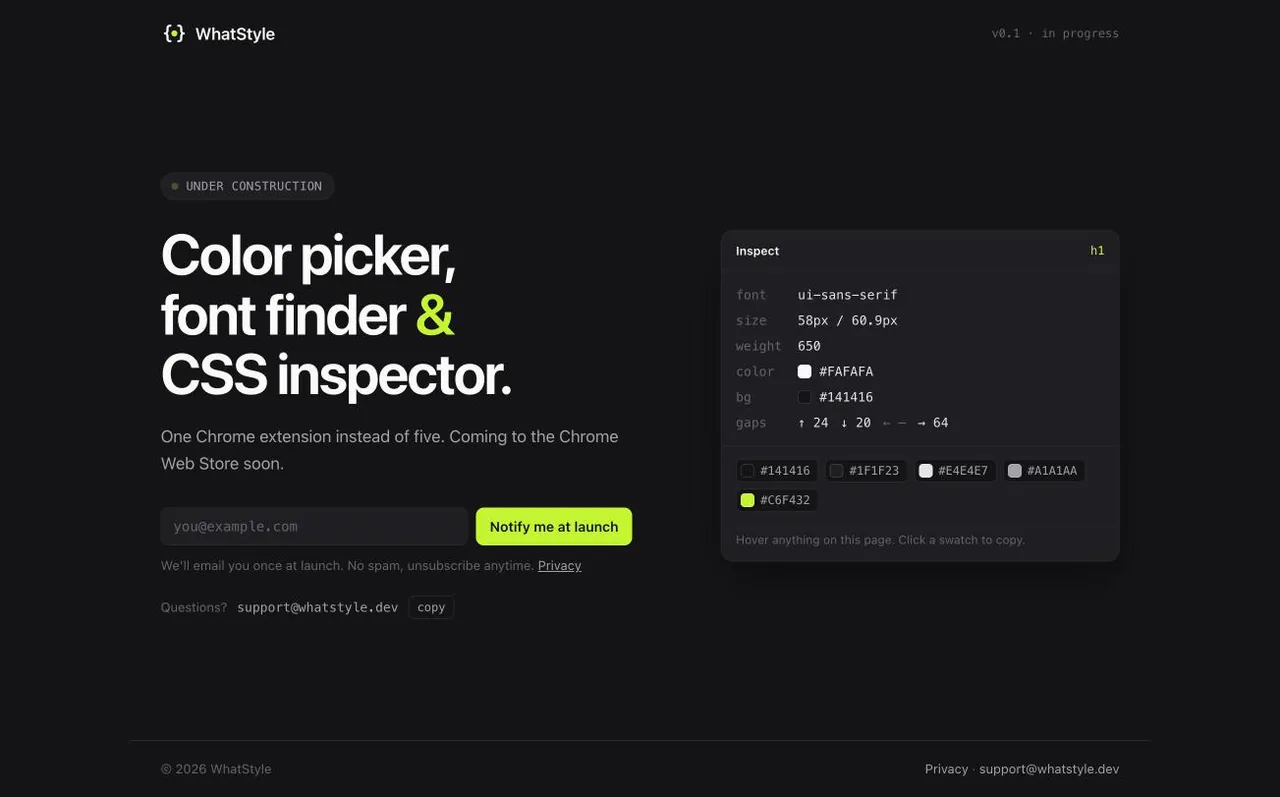
A Chrome extension for designers and front-end developers that replaces five popular ones: hover any element on a site and see its color, font, CSS and size at once.
Screens
Why this product
WhatStyle replaces five popular extensions at once: ColorZilla, WhatFont, CSS Peeper, Site Palette and Page Ruler. The idea came from a market analysis: the leaders of this niche have millions of users but haven’t been updated in years, and the live alternatives annoy people with ads, pushy trials and data collection. I found the gap with my own AppView data.
WhatStyle is free, has no ads and makes no network requests: everything is computed locally in the browser. It works on localhost and file:// too, so you can check your own layout before it is deployed.
What it does
- Eyedropper in two modes. The native EyeDropper API picks colors even outside the browser; a custom sampler on a screenshot gives a magnifier up to ×16 and area averaging.
- HEX, RGB, HSL and OKLCH with the nearest Tailwind color, copy on click, a history of 50 colors, a mini editor and a WCAG AA/AAA contrast check.
- Fonts: a tooltip on hover and a detailed card on click. Shows which font from the font-family stack is actually rendered (via document.fonts and canvas metrics) and where it comes from: Google Fonts, Adobe, self-hosted or system. Plus a list of every font on the page.
- CSS inspector: box model highlight and a card of properties grouped into layout, box, typography, colors and effects. Copy CSS copies only what differs from the tag's defaults. Arrow keys walk the DOM, like in VisBug.
- Page palette: every color weighted by area, split into background, text, borders and accents, with near-identical shades merged. Highlights elements of a color, shows the site's CSS variables, exports a list, CSS variables or JSON.
- Ruler: element sizes, Figma-style distances between elements, free measuring that snaps to edges, and an 8 px grid.
- Side panel interface with hotkeys, light and dark themes, English and Russian.
- Free, no ads and no network requests: everything runs locally, including on localhost and file://.
My role
Product, UX and development: from market analysis and competitor reviews to the Chrome Web Store release and the site.
How it’s built
Need something like this?
Tell me what you have and how I can help.